This account doesn’t exist

Twitter Account Deleted

As you can see from the image above, I am no longer on Twitter/X. 

In actuality, I’ve eschewed the dumpster fire that is Twitter/X since Elon Musk acquired it in 2022. But I decided that 2025 is going to be a year of simplification – deleting, tidying and streamlining. If it’s not needed, get rid of it. If it needs doing, just do it.

With this in mind, I deleted my Twitter/X account in January.

And a couple of weeks ago, I finally worked through the coding to make the archive plugin 1 on this blog work the way that I want it to. The archive page is back to only displaying posts and not status updates. 

Next up on the list is to archive/flatten the blog I used for my Masters dissertation project. There’s no need for me to be maintaining the themes and plugins when it will never be used again. 

  1. The archive plugin I had used for a long time was not being updated and had become incompatible with the version of PHP I was running on my domain. The best replacement I could find required a bit more knowledge of HTML and PHP to make it work the way I wanted it to. []

Twitter –> Markdown FTW!

Thanks to Jim Groom for sharing this post by Matthias Ott, my Twitter archive has now been converted from HTML to Markdown .

To do this, there is a Python script, created by Tim Hutton. As Matthias explains:

  • It converts the tweets in your archive to markdown with embedded images, videos and links.
  • It replaces t.co URLs with their original versions.
  • It copies used images to an output folder, to allow them to be moved to a new home.

I don’t know if I want to host my Twitter archive anywhere but having run the parser I know that it is now future-proof and far more portable, should I decide to host it publicly in the future. It is, after all, a significant part of my digital footprint from the last 13 years and nine months.

If you haven’t taken a copy of your Twitter archive yet, I recommend that you do. And if you do have a copy of your archive, it is definitely worth converting it into a more friendly format.

Now I just need to decide if I want to nuke my Twitter account completely? 🤔

Scratching an itch…

I have long admired the way some bloggers are able to include an image when auto-posting to Twitter. Looking at the IFTTT applet I was using to auto-post from my own blog, there did not appear to be an option to do this, and a web search did not yield any useful results.

I turned to Twitter and asked Warren Ellis what service or plugin he uses1. Having asked the question, I received a couple of suggestions from Doug Belshaw:

Looking into both of these I could see that they would achieve what I wanted but I was not satisfied with either implementation. Blog2Social requires you to create a Twitter application. This is not a big deal (I’ve done it before) but I did not believe this was necessary to achieve my goal. Furthermore, it is heavy-handed on the promotion of its paid features in the WordPress backend. The other option, Jetpack, is too feature rich and its footprint on the back end of your blog is quite intrusive. Furthermore, to access all of the auto-tweet features a paid plan is required. This does not sit right with me given the open source origins of WordPress.

Returning to IFTTT, I could not shake off the feeling that there was a way to do it. The search function in IFTTT is a bit hit and miss with a high noise to signal ratio. However, there were several recipes that indicated images could be posted natively to Twitter from other sources. This lead to me taking a fresh look at the Twitter channel in IFTTT. I saw that they have added a range of options and this indeed included the option to tweet with an image.

So, to relieve the proverbial itch, I started from scratch (😉) and created a new applet to share my WordPress posts to Twitter with an image.

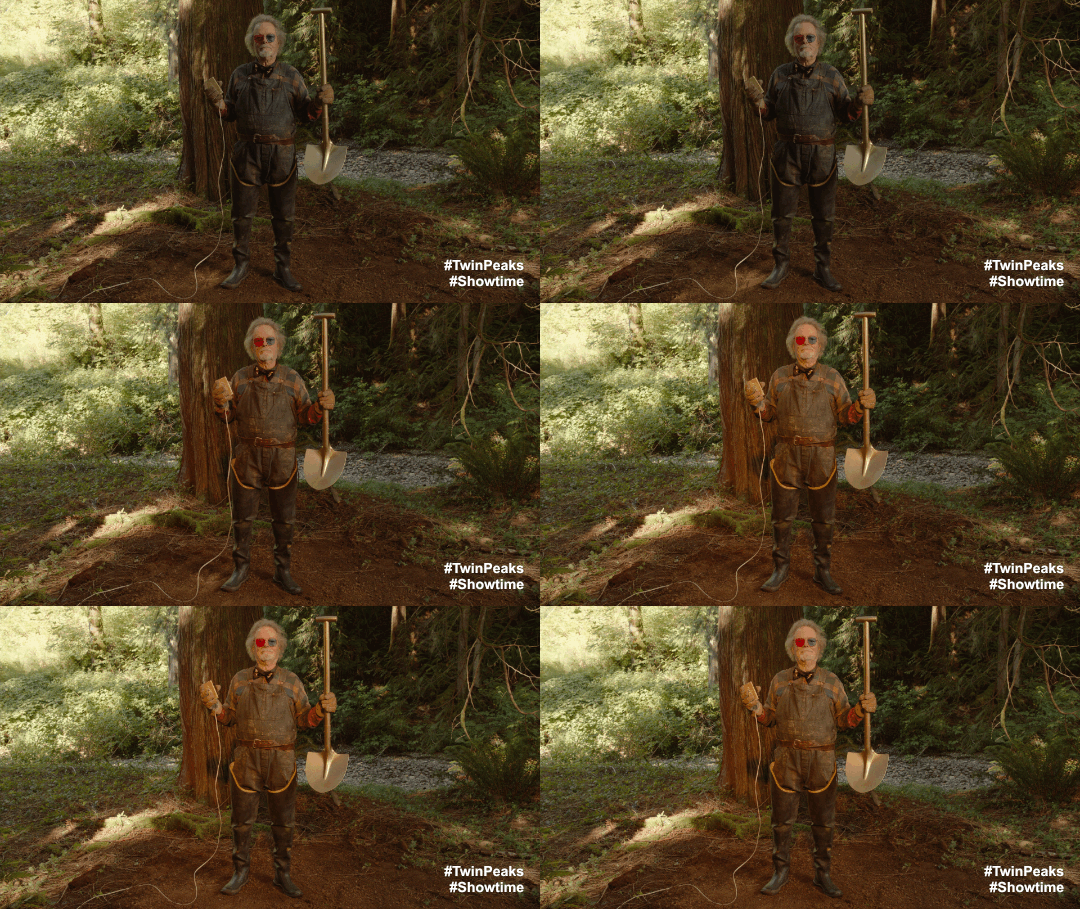
dr amp shovel

This was a definite case that proved it is always worth digging a little deeper! Dr. Amp would approve.

  1. I subsequently found out that Warren uses the Jetpack plugin. However, he has recently written in his newsletter about issues he has had with this feature not working correctly. And I do believe he has since found a solution.[]

Noting for the record:

Recent events have resulted in me using Twitter more regularly. Re-engaging with the network promoted me to update my profile picture1here, there and everywhere. 😉

I deleted the archive of my tweets that I was hosting on my domain as it was out of date and serving little purpose. I also deleted my Mastodon account, as I was not making any meaningful use of it.

This turned into a bit of a digital spring clean. So, I also updated the about page and subscription options on my blog. 🧼

  1. This was long overdue. Thanks to Jennifer Michie for taking and editing the new photo.[]