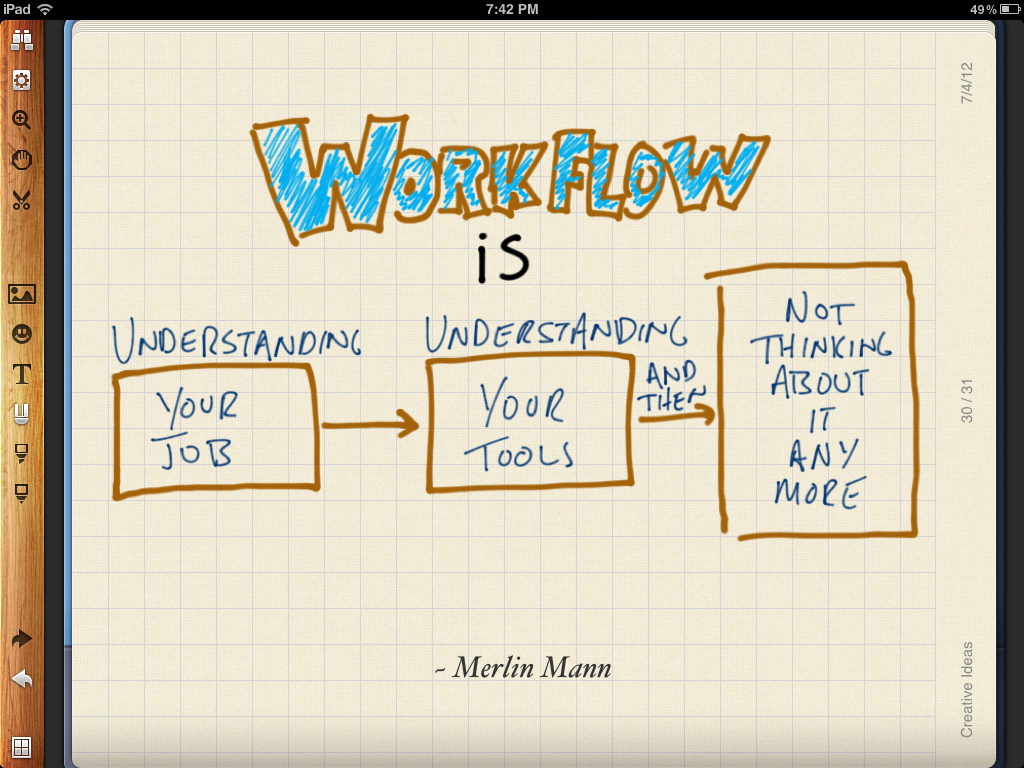
It has been a while since I have written about the applications I am using in my day-to-day workflow. With it being the Easter break, I thought this was an excellent opportunity to rectify that.
Today, I am going to focus on the apps that I am using on my MacBook Air and tomorrow I will share what I am using on my iPhone. I hope that some of you find this useful…

Utilities…
Alfred 2 is an app launcher; clipboard; productivity toolbox, if you will, that helps me to exercise my inner control freak. Hazel helps with that too! Between the two apps I can automate searches, workflows, and keep folders tidy and up-to-date. One of the main ways that I use Alfred 2 is to search both the web and my MacBook via the Alfred interface. You can add very specific custom searches that you can action with keywords. I have custom searches for creative commons photos on Flickr, tags in Tumblr, the Mozilla Developer Network and my Delicious bookmarks as well as a host of others.
TextExpander took a while to get used to but now I think I would be lost without it. TE makes writing a lot less painful by allowing you to write in any app using shorthand which it expands into pre-defined full text. I have snippets for email signatures, file naming conventions and phrases/expressions that I use on a regular basis.
Dropbox – The obligatory file syncing app, which also helps me to back up the important stuff.
CloudApp is where I upload images and screen grabs for sharing… I stopped using all other image/upload services in my efforts to reduce the number of accounts that I use, as well as seeking to retain a greater level of ownership of my data.
Time Machine is how I keep my MacBook Air backed up.
Writing…
nvALT – You know I love this app, right!? I have tried many other writing/note-taking apps (TextEdit, Byword, SublimeText) but in the end I always come back to nvALT; writing everything (blog posts, emails, speaker notes) in Markdown. The app’s interface is clean, the CSS customisable and has a useful set of shortcuts that let you use it efficiently in full screen mode. Notes are stored as plain text and synced via a folder in Dropbox. This set up is both simple and liberating.
Google Docs (Drive) might be my most used app at the moment. I write and publish material for my M.Ed. with it; I work collaboratively with colleagues; I work collaboratively with my students… the list goes on. Anything that is of high importance, I periodically download and add to a folder in Dropbox. I am all about redundancies.
Coding…
Brackets is an open source HTML/CSS editor. It does exactly what it says on the tin and has auto pairing of HTML/CSS syntax built in, which is winning in my book.
*FileZilla is not strictly an app that I code with but it doesn’t really fit anywhere else. I make manual edits to my home page/blog and also upload/maintain HTML5 presentations, like this one.
Communicating/Connecting…
Mail – Using a couple of hacks to make GMail and Mail integrate more effectively, I have come to find Apple’s built in inbox perfectly usable.
Tweetbot is a bit pricey for some but I love the iOS version; using it on OSX is just a natural fit. Moreover, considering the value that Twitter has added to my career as an educator through the numerous connections I have made, it is worth every penny.
Google+ – My use of G+ is sporadic. Sometimes I remember to share a post but more often than not I tend to be using it for the Hangouts feature, connecting and chatting with fellow educators.
Organising…
Until Any.DO launches their web version, I have returned to using Wunderlist. It is the app that currently meets my needs the most. Any.DO is almost there but without a web/desktop app it falls a short.
Google Calendar – iCal is a terrible app to use both in terms of UI and UX. I’ve tried a few others, including QuickCal but I continually find myself entering items via the Google Calendar web interface. Until something better comes along, I will be sticking with it.
nvALT – Again!? Well of course… alongside writing blog posts and emails, I also keep snippets, lists and reference materials in nvALT. It is my everything bucket.
Evernote has helped me keep my M.Ed. notes, reading and data analysis organised. I use it for this sole purpose.
Browsing/Reading…
Google Chrome with a few tweaks (DuckDuckGo anyone?) has been my browser of choice for some time now. The UI/UX is cleaner/more user friendly than Firefox and it’s way faster than Safari. I try to keep Chrome as lean as possible, as such I only have four extensions installed. These are AdBlock as I don’t want to see advertisements while I’m browsing, Delicious Tools to bookmark content on the fly, Pocket, to save content for later and nvIt which is a neat little extension that allows me to grab text from a web page and open it as new note in nvALT.
Reeder is how I keep on top of RSS. It is not dead people and Reeder is due to be updated on OSX to include support for Feedbin which I have signed up to following the announcement from Google that they’re retiring Google Reader.
Pocket is where I put all that stuff I want to read/watch but simply do not have the time. I will get to it someday…
Listening/Watching/Editing…
iTunes is still my music app of choice. My library is housed in an external hard drive as I currently have 112GB of music!
Quicktime with Perian installed allows me to watch most video formats. However, my main use for Quicktime is screen capture, recording and editing video tutorials and lectures.
*YouTube – Not strictly an app but I use it a lot at the moment, uploading weekly video lectures for the open online course I am running.
Preview – Apart from viewing/reading PDF files, I use Preview to edit images. It is perfect for balancing levels, adjusting hue/saturation, as well as cropping and resizing images. When I need to do more robust editing I turn to Gimp. Running something like Photoshop is not really an option on my MacBook Air. Gimp is lighter and open source… which makes me ‘happy, happy, happy’!
And that, as they say, is that. If you would like to know more about how I use a specific app, either add a comment below or get in touch via Twitter. I’ll be back tomorrow to share the apps that I am using on my iPhone.